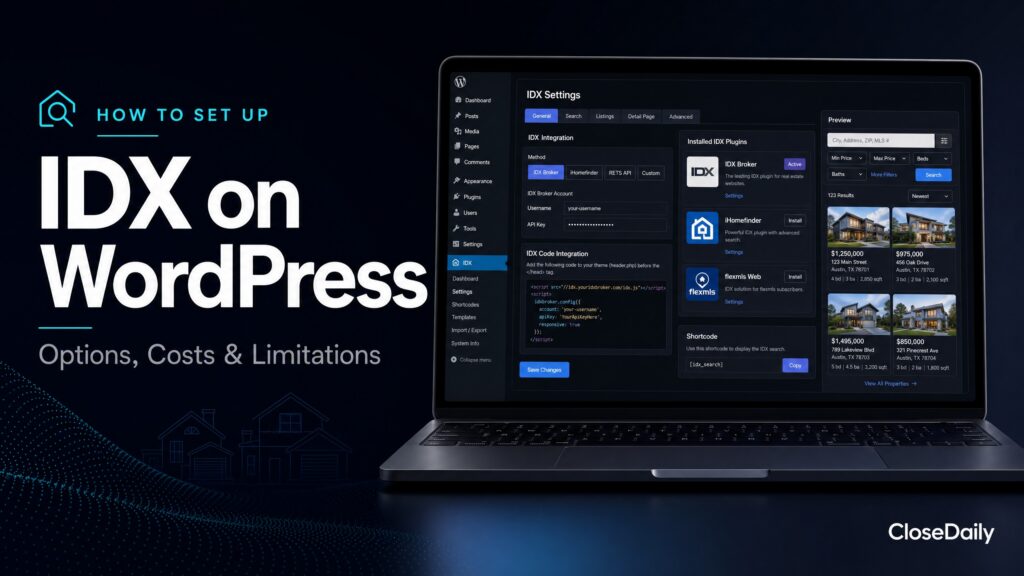
If you already have a WordPress website, adding IDX through a plugin seems like the obvious move. Keep your existing site, keep your SEO, keep your content, just add listing search. Simple, right?
In theory, yes. In practice, WordPress IDX plugins involve compromises that most agents don’t discover until after they’ve committed. Here’s the unfiltered truth about setting up IDX on WordPress, including what works, what doesn’t, and when you’re better off using a dedicated IDX platform instead.
Your WordPress IDX Plugin Options
Several plugins add IDX functionality to WordPress sites. They all share the same basic tradeoff: the plugin connects to an MLS data feed and renders listing search inside WordPress, while your CRM, lead routing, follow-up, hosting, and site performance remain separate responsibilities.
That can work for an agent who only needs a basic search widget. It is not ideal for agents who want the website, IDX, CRM, and automated follow-up to work as one system. That is the problem CloseDaily is built to solve.
The Setup Process
Setting up an IDX plugin on WordPress follows a standard sequence:
First, you sign up with the IDX plugin provider and authorize your MLS data feed. This involves the same MLS approval process as any IDX setup, submitting your license info, signing the IDX agreement, and waiting for feed activation (typically one to three weeks).
Second, you install the plugin on your WordPress site. This is standard WordPress plugin installation, upload, activate, and configure. The plugin will ask for your API credentials from the IDX provider.
Third, you configure the search. Set up which areas to display, configure search filters, choose widget placements, and customize the appearance to match your site design as closely as possible.
Fourth, you set up lead capture. Configure the registration gate, set up form fields, and connect the captured leads to wherever you’re managing them (which, with a WordPress plugin, usually means a separate CRM).
The Performance Reality
Here’s where the honest assessment begins.
WordPress IDX plugins add significant overhead to your site. They load additional JavaScript, CSS, and API calls on top of whatever your WordPress theme and other plugins are already loading. On a WordPress site that’s already running a page builder, a few marketing plugins, and an analytics tool, adding an IDX plugin can push page load times past the point where you’re losing visitors.
IDX search pages are particularly heavy because they’re fetching and rendering listing data from an external source. The plugin makes an API call to the IDX provider’s server, the server queries the MLS data, formats the response, and sends it back to your site for display. Each step adds latency. On a dedicated IDX platform, this data lives on the same server as your website, eliminating the round-trip delay.
Typical IDX plugin search load times run two to four seconds. Dedicated IDX platforms load in under one second. That difference directly impacts lead conversion rates.
The Design Integration Challenge
WordPress IDX plugins render within your WordPress theme, but they don’t truly integrate with it. The search results page, the listing detail page, and the map interface all have their own styling that’s controlled by the plugin, not by your theme.
The result is often a jarring visual transition. Your site looks one way on your homepage and blog posts, then looks noticeably different when a visitor clicks into the property search. Different fonts, different spacing, different button styles, different color treatments. It feels like navigating to a different website.
Some plugins offer limited CSS customization to reduce this visual disconnect. But truly matching the IDX elements to your WordPress theme requires custom CSS work that most agents can’t do themselves and that costs $200 to $1,000+ to have a developer implement, with no guarantee it will survive the next plugin update.
The Lead Capture Limitation
WordPress IDX plugins capture leads. But what happens after capture? The plugin puts the lead in its own dashboard. If you’re using a separate CRM (which you should be), you need an integration or manual process to move that lead into your CRM.
Some plugins integrate with popular CRMs through Zapier or direct API connections. These integrations work but add another point of failure. If the Zapier connection breaks (and they do), leads captured on your site don’t make it to your CRM until you notice and fix the integration. That could be hours or days of lost leads.
On a dedicated IDX platform like CloseDaily, the CRM IS the platform. There’s no integration to break because the lead capture and CRM are the same product. Leads appear instantly with their full search history, and AI follow-up triggers immediately. No middleware, no sync delays, no broken connections.
When Keeping WordPress Makes Sense
Keeping WordPress only makes sense when the site already ranks, has a meaningful content library, and produces measurable organic leads. In that case, protect the SEO equity first: crawl every URL, map redirects, and migrate carefully instead of making a rushed platform change.
Even then, be honest about the tradeoff. A plugin can preserve the old site, but it usually leaves lead capture, CRM sync, follow-up, and performance as separate work. The long-term goal should still be one connected system.
When a Dedicated IDX Platform Is Better
If any of the following apply, skip the WordPress plugin and use a dedicated IDX platform:
Your current WordPress site doesn’t rank well or generate meaningful traffic. There’s no SEO equity to preserve, so there’s no reason to bolt IDX onto an underperforming site.
You don’t have a separate CRM and don’t want to buy one. Dedicated platforms with built-in CRM save you $50 to $400 per month versus plugin plus separate CRM.
Site speed matters to you. Dedicated platforms are faster for IDX search than any plugin running on shared WordPress hosting.
You want AI-powered follow-up. No WordPress IDX plugin offers native AI follow-up. Dedicated platforms like CloseDaily include it.
You value a smooth user experience. Dedicated platforms look cohesive because the IDX search and website were designed as one product, not two products stitched together.
The Migration Path
If you decide to move from WordPress to a dedicated IDX platform, the transition doesn’t have to sacrifice your SEO. Set up 301 redirects from every old WordPress URL to the corresponding page on your new platform. Migrate your blog content. Keep your domain name. These three steps preserve the vast majority of your search engine authority.
The SEO recovery period after a well-executed migration is typically four to eight weeks. During that time, some rankings may fluctuate. After that, your rankings should stabilize and often improve because dedicated IDX platforms are typically better optimized for search engine performance than a WordPress site running multiple plugins.
For most agents evaluating IDX in 2026, a purpose-built IDX platform delivers a better experience for both the agent and the lead because the website, search, CRM, and follow-up are designed to work together from day one.
Ready to close more deals?
Join thousands of agents using CloseDaily to build their business.